Ad blocker for iPhone: block ads in Safari and every app
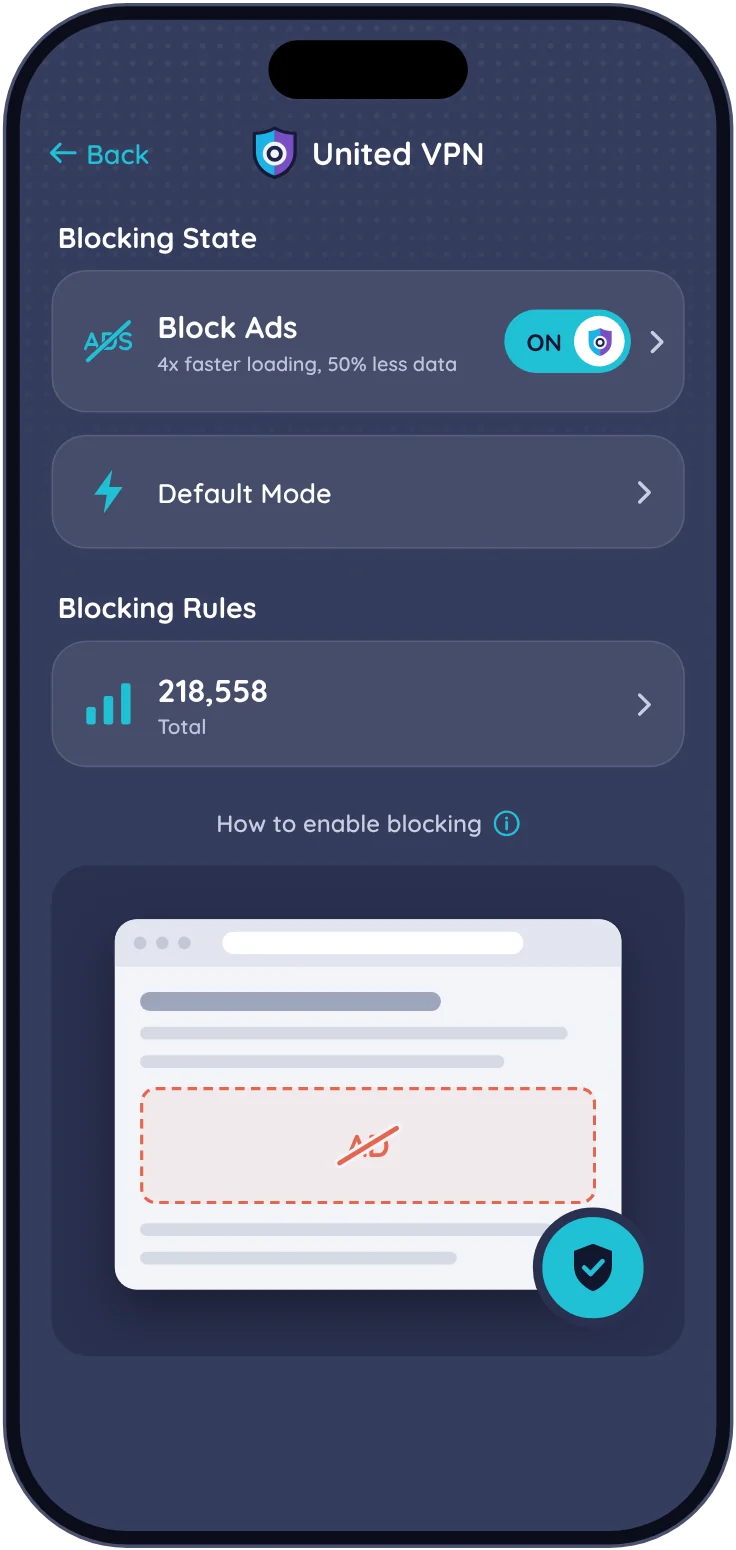
United VPN blocks ads and trackers in Safari for free, and in every app with Premium. All filtering happens on your iPhone, so your browsing isn’t sent to us.
Point the Camera at the code to open United VPN on the App Store.
Safari blocker is free
About 76,000 ad and tracker domains
No account
Two ways to block ads
Free in Safari, or everywhere with Premium
Both are inside the same app. Turn on one or both from the Block Ads screen.
Free
Ad blocker for Safari
Seven Safari content blockers. Safari applies the rules itself, so the app never sees the pages you open.
EasyList blocks ads
EasyPrivacy blocks trackers
AdBlock Warning hides “turn off your ad blocker” walls
Mining Protection stops hidden crypto-mining
Extra Filters: cookie banners, social buttons and pop-ups (Fanboy’s Annoyances)
Premium
Block in All Apps
A DNS-level filter for every app and browser on your iPhone. Blocked lookups are answered on the phone and never leave it.
About 33,000 ad domains and 43,000 tracker domains
Works in Chrome, Safari, games and other apps
Works on Wi-Fi and mobile data, with or without the VPN
Tracker blocking has its own switch
Apple services like the App Store, iCloud and notifications are never blocked
Block in All Apps
You stay in control
Recently Blocked
See which domains were blocked, with a counter since you turned blocking on.
Allow in one tap
If a site or app breaks, allow its domain right from the list. Subdomains are included.
Pause for 10 minutes
Need everything to load for a moment? Pause blocking, and it turns back on by itself.
Stays on your phone
Your allowed domains and settings are saved only on your device.
Private by design
Your browsing never leaves your iPhone
Blocked lookups get an answer on the phone and go nowhere. Allowed lookups go to Cloudflare 1.1.1.1 or the DNS you picked, only to be resolved. The Recently Blocked list lives in memory while blocking runs and is never sent to us.