

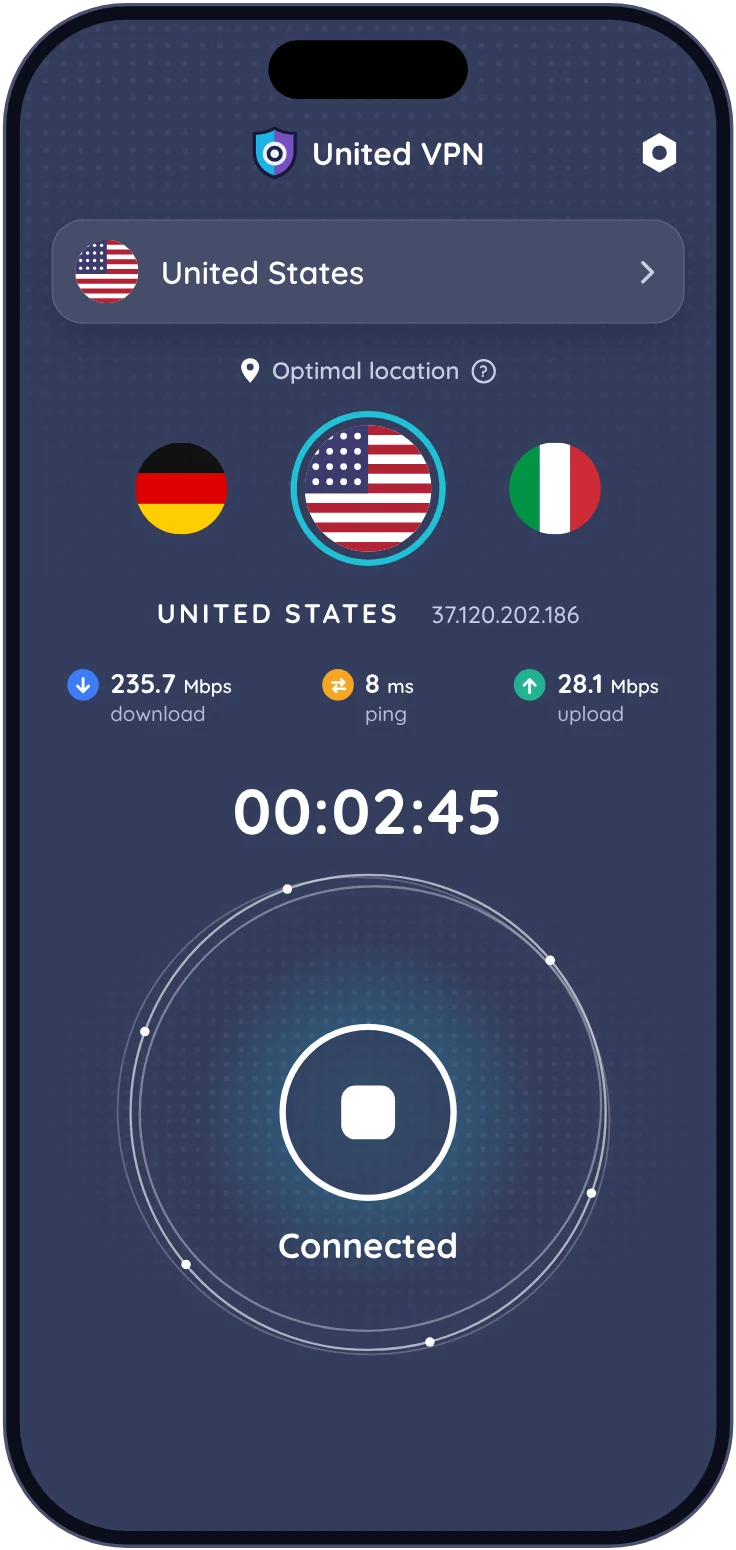
After you install
- 1
Open United VPN
Find it on your home screen after the install finishes.
- 2
Allow the VPN configuration
Your phone asks once. On iPhone, confirm with Face ID or your passcode.
- 3
Tap connect
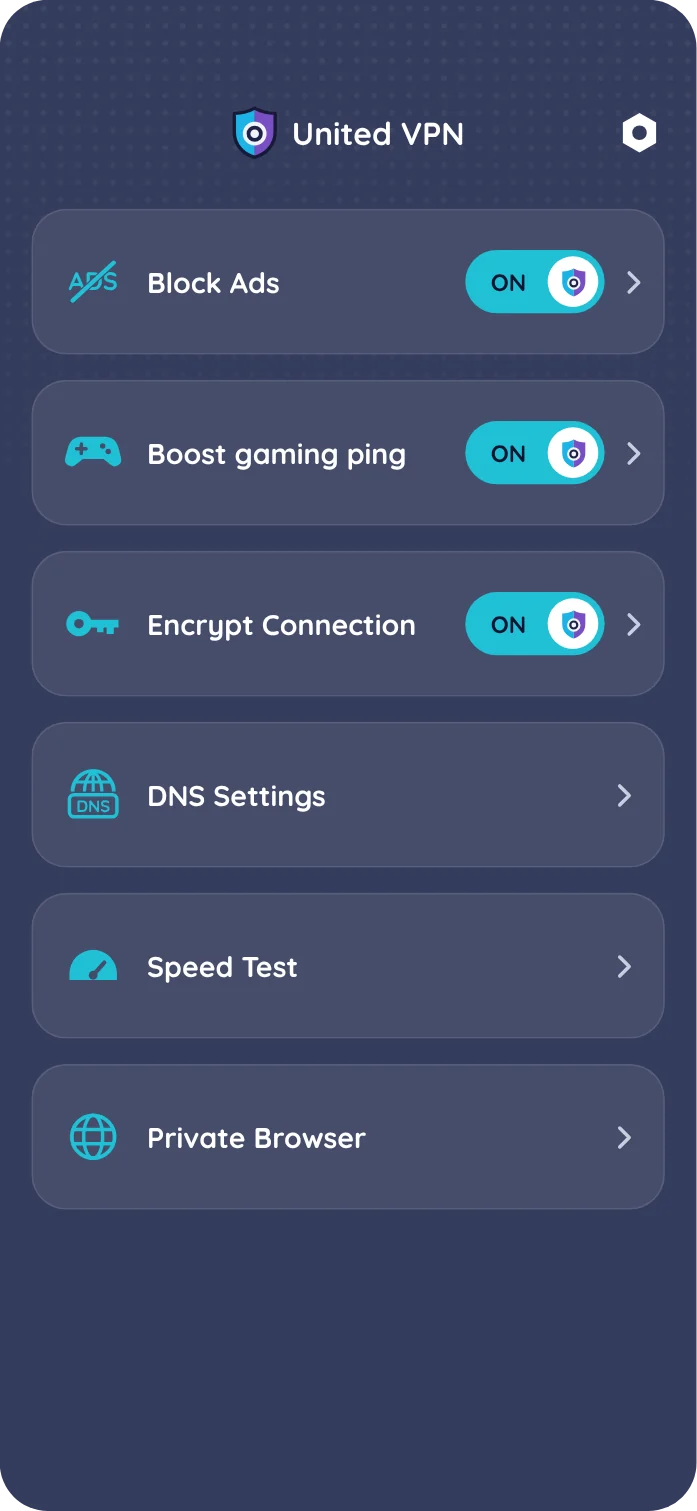
Keep Optimal Location or choose a country. Turn on the ad blocker or Child Control from the menu.
Install questions
Why does my phone ask to add a VPN configuration?
Every VPN app on iPhone and Android needs this permission to route traffic. United VPN uses one profile for the VPN, DNS modes and ad blocking, so you allow it once. You can remove it in Settings at any time.
Which devices does United VPN work on?
iPhone and iPad with iOS 15 or later, and Android phones and tablets with Android 7.0 or later.
Can I use one subscription on iPhone and Android?
No. A subscription stays in the store where you bought it: an App Store subscription works on your iPhone and iPad, a Google Play subscription on Android.